SECRUI setup and pairing
Most kits ring on the first press. Here is what to do before that press, and what to check if nothing happens.
Before the first press
- Pull the plastic tab from the button or the sensor. It keeps the cell from draining in the box.
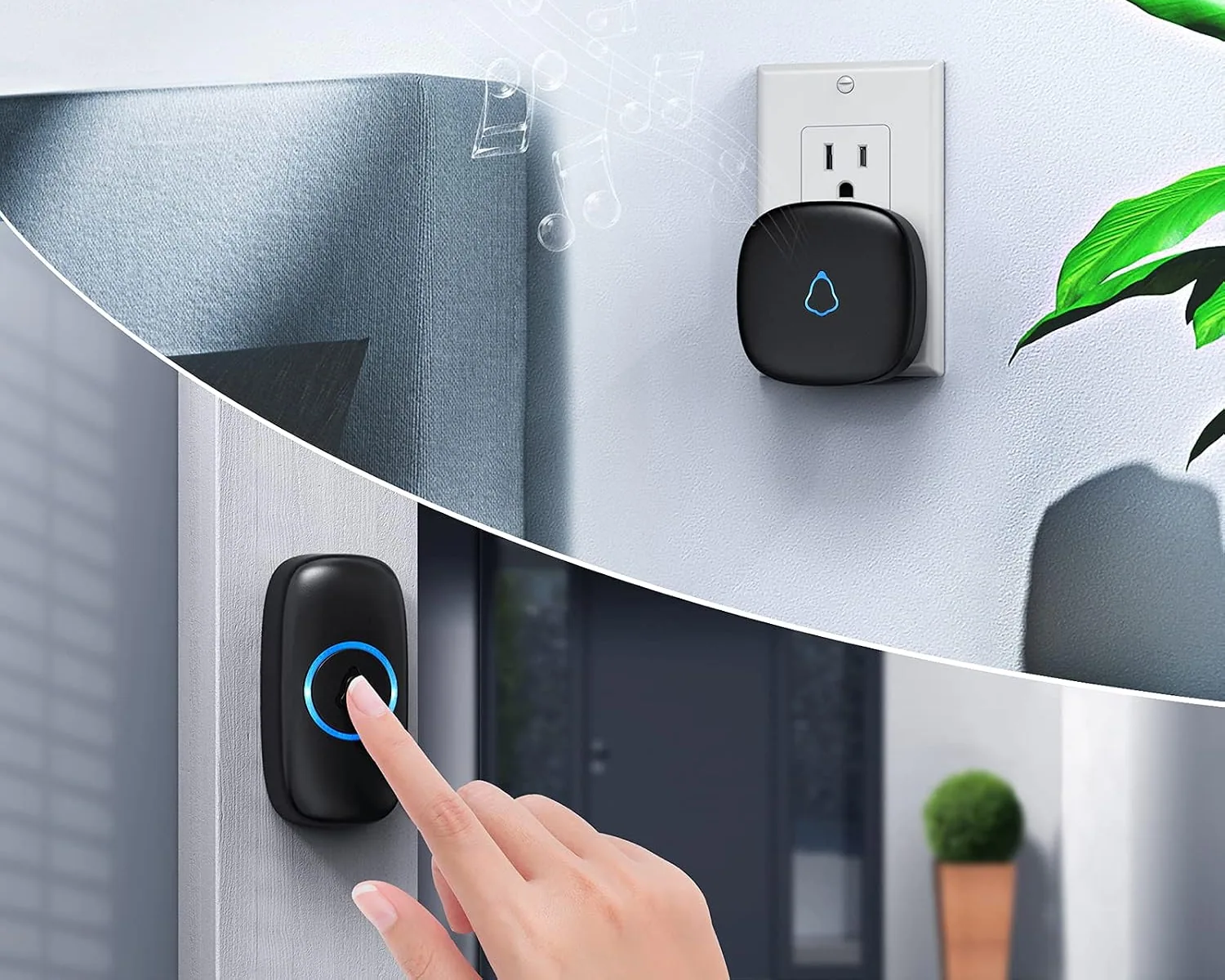
- Plug the receiver into an indoor outlet and wait for its light.
- Press the button, or part the two halves of the sensor. The receiver should ring.
-
Complete kit
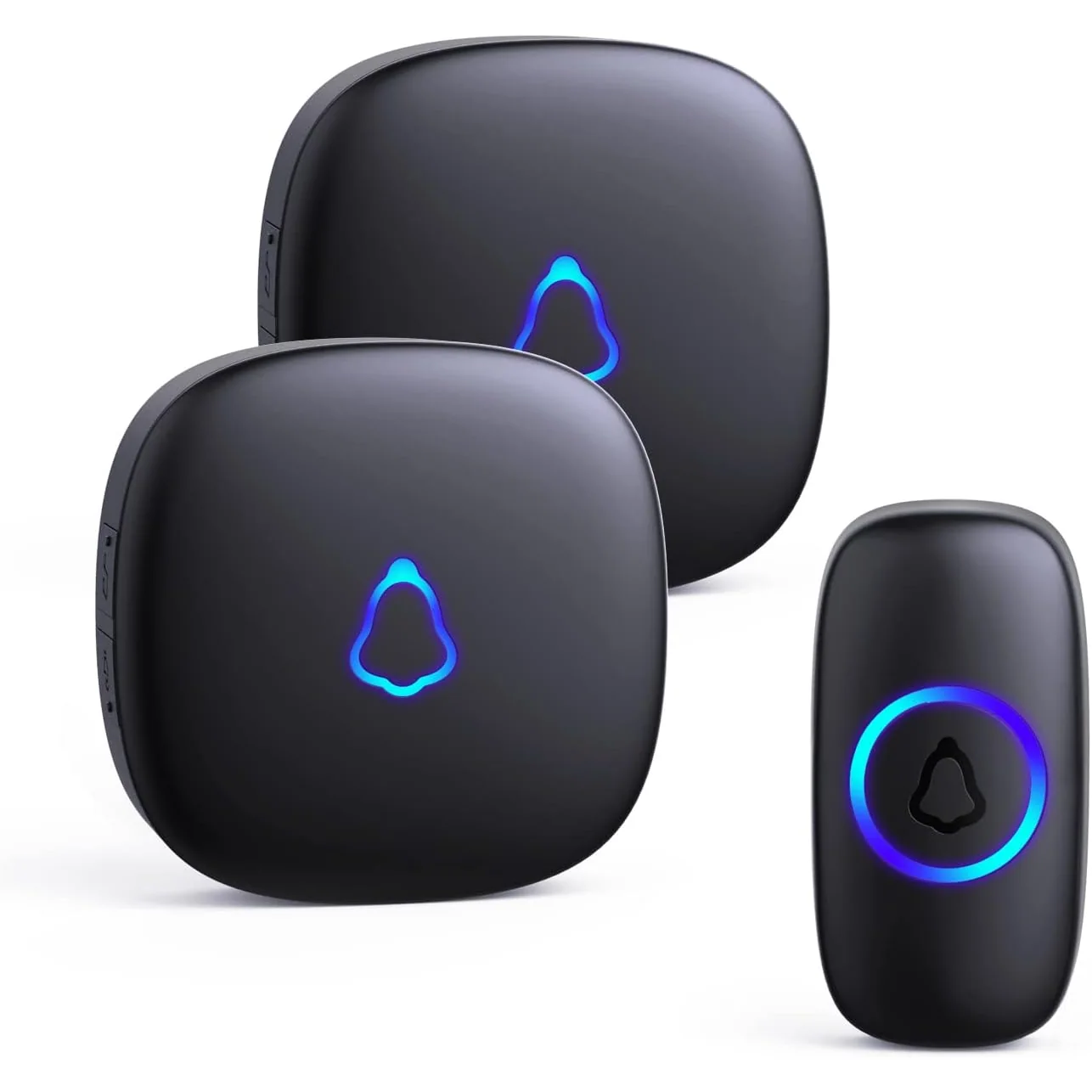
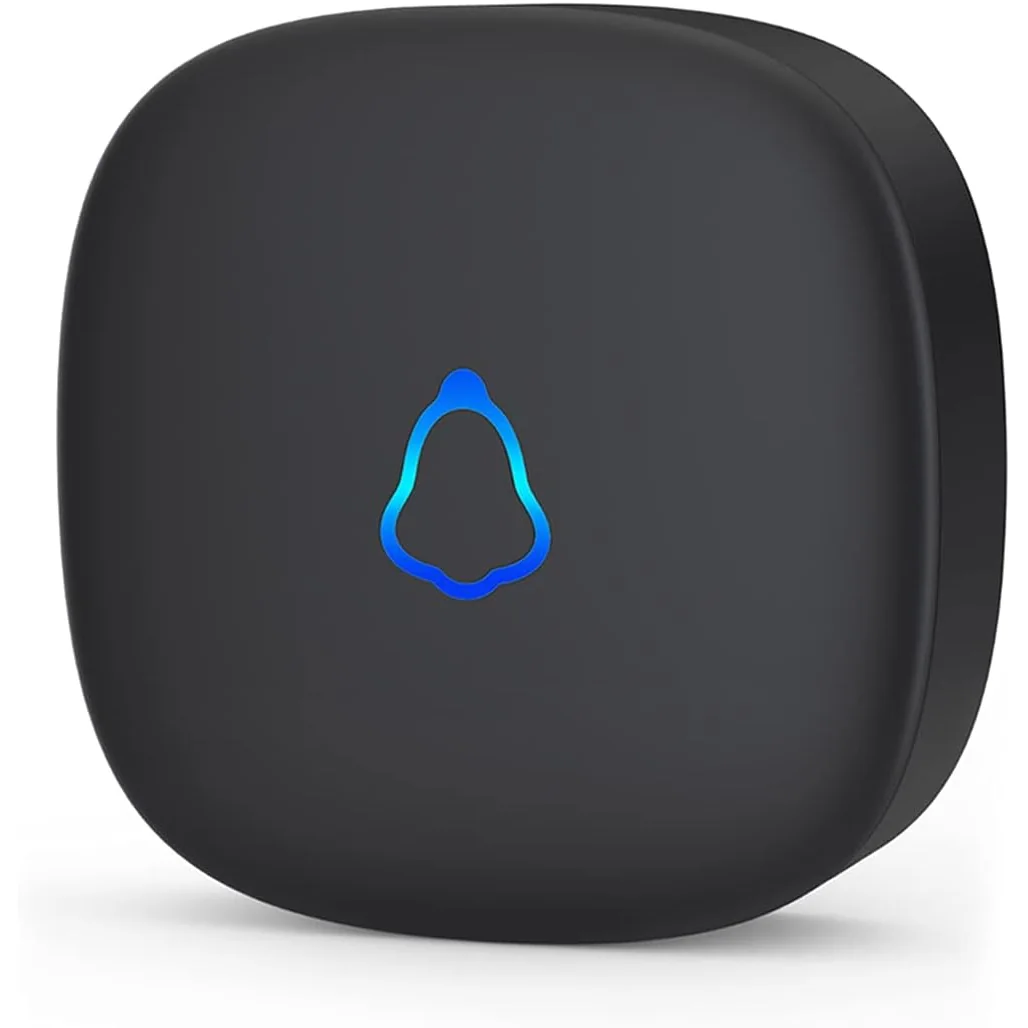
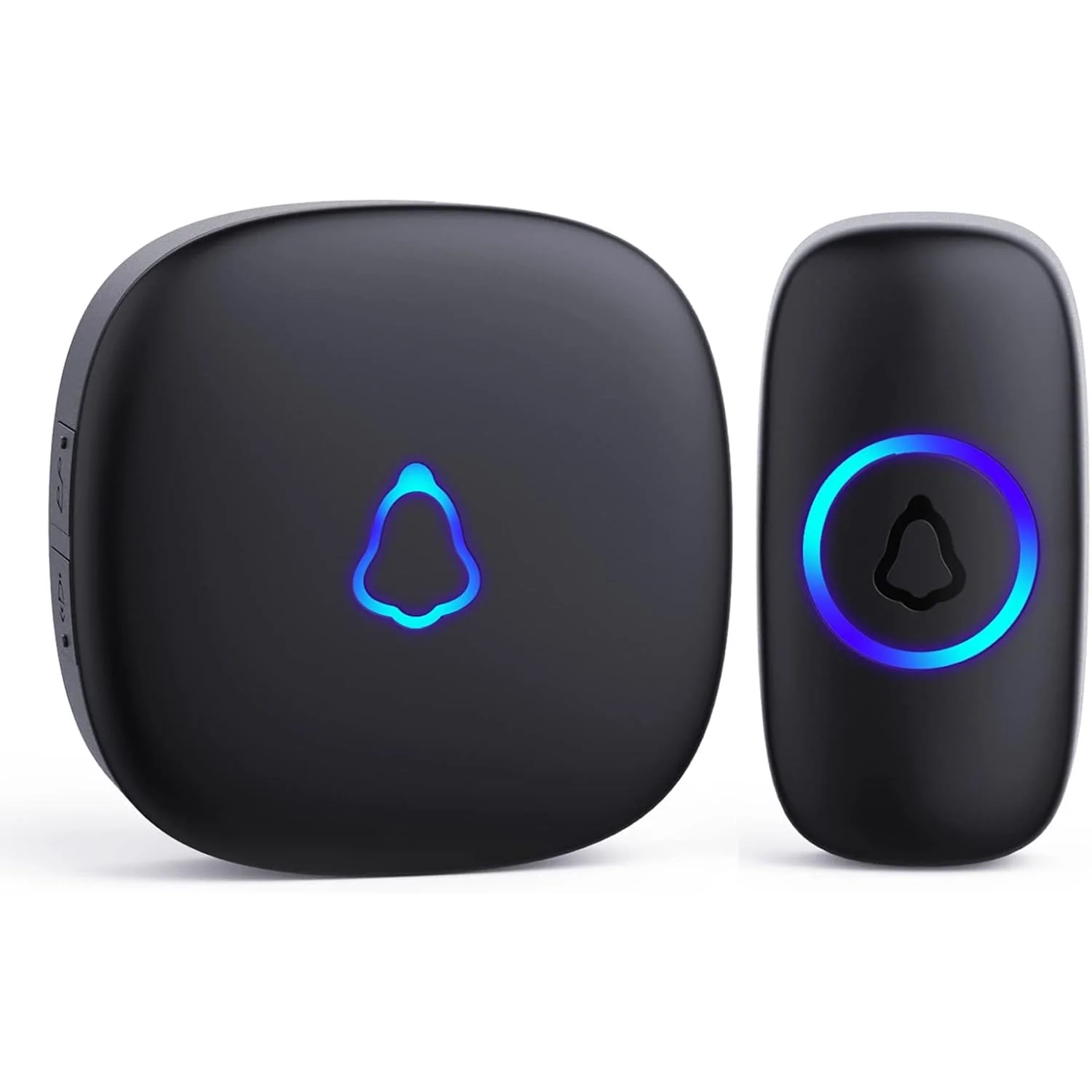
SECRUI M520 Wireless Doorbell
Our best-known doorbell: a pebble-shaped plug-in chime and a waterproof button, paired before it ships.
from $15.99
Ring It Up on Amazon -
Complete kit
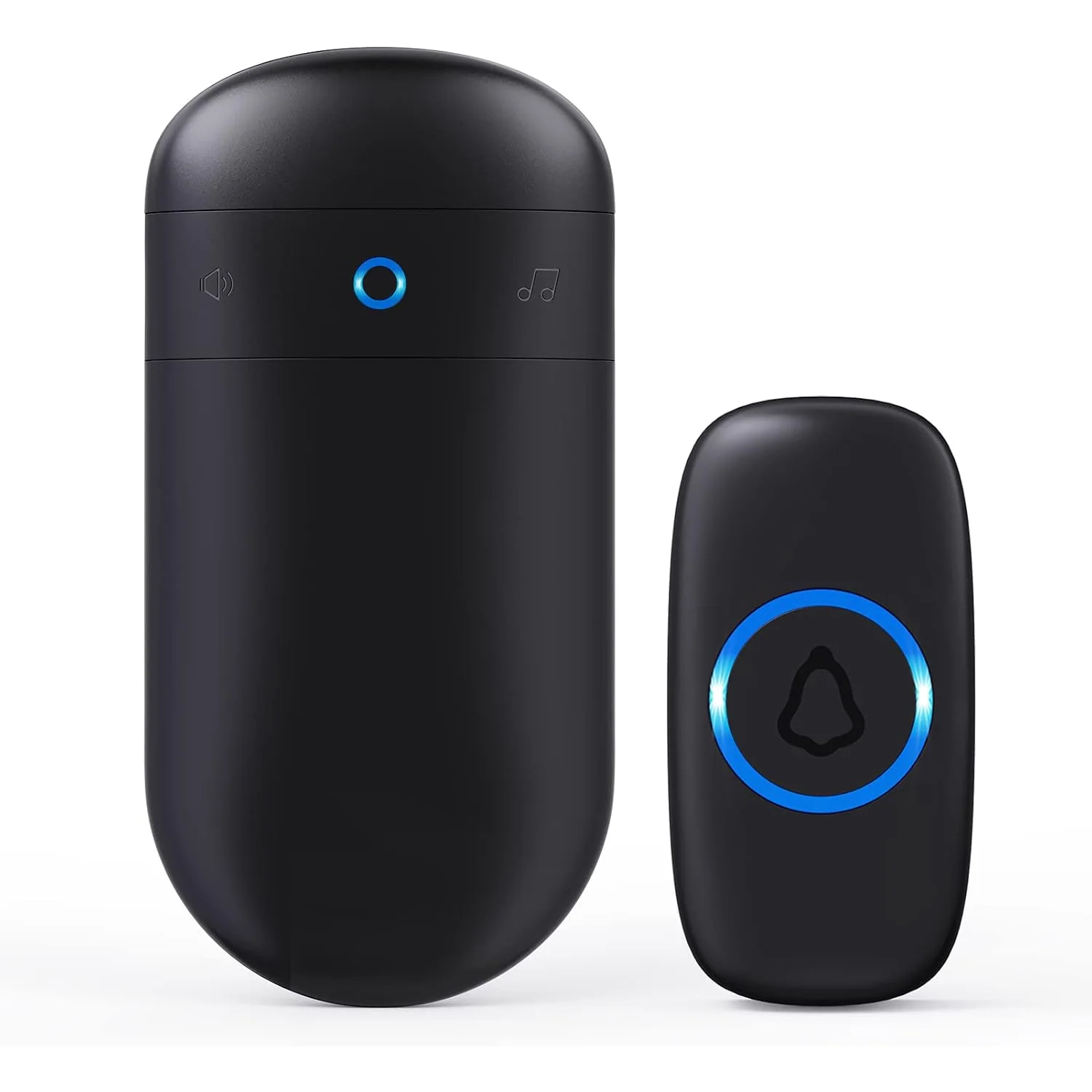
SECRUI Capsule Wireless Doorbell
A tall, narrow chime that leaves the second outlet free, sold in four kit sizes.
from $16.99
Ring It Up on Amazon
Fixing the button
- Hold the button where you want it and press it once before you fix it. If the receiver rings from there, it will ring from there.
- Use the adhesive pad on a smooth, clean surface, or the two screws on brick, stucco and rough timber.
- Keep the button off bare metal where you can. A steel door frame behind it shortens the range.
Fixing a door sensor
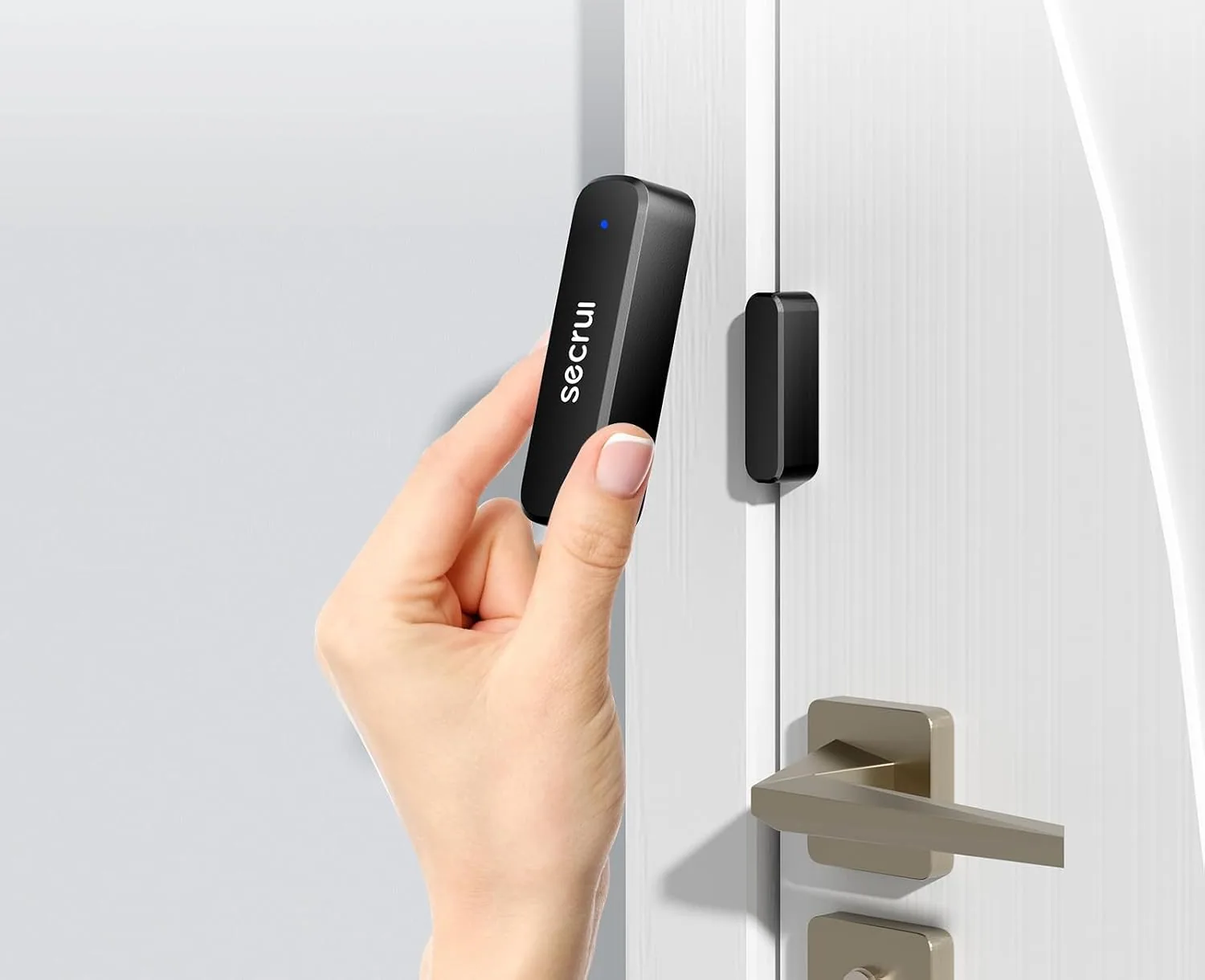
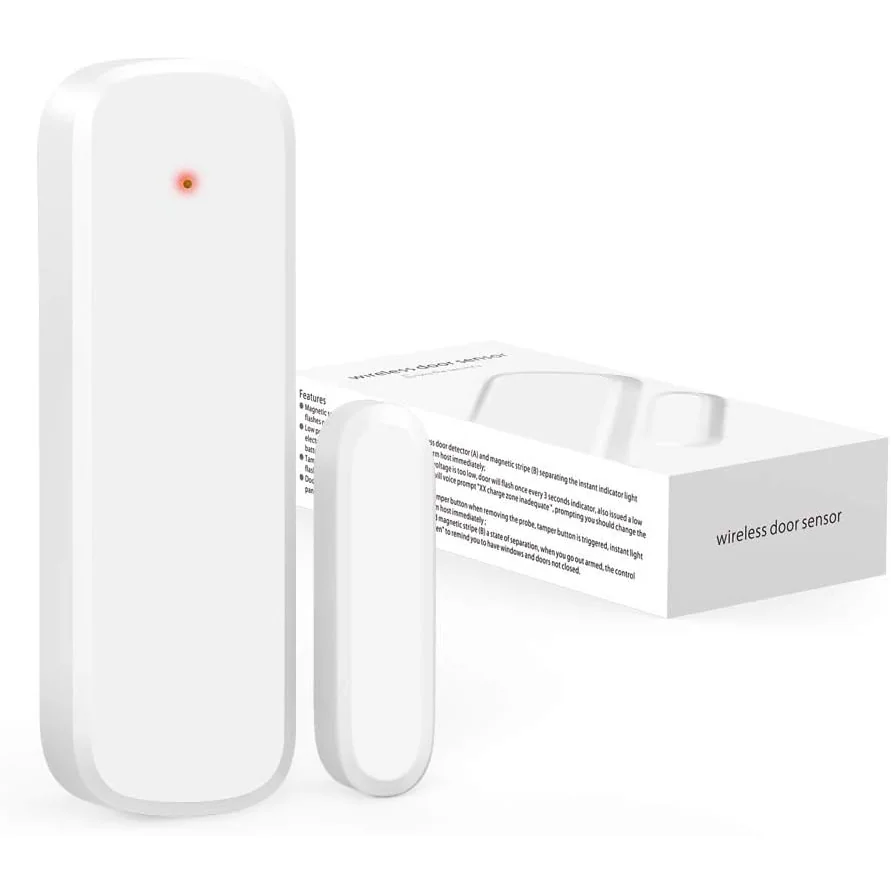
- The larger half goes on the frame and the magnet on the door, or the other way round.
- With the door shut, the two halves must sit within 0.6 inch of each other.
- Doors with a wide gap at the frame, mailboxes and some windows will not bring the halves close enough.
-
Complete kit
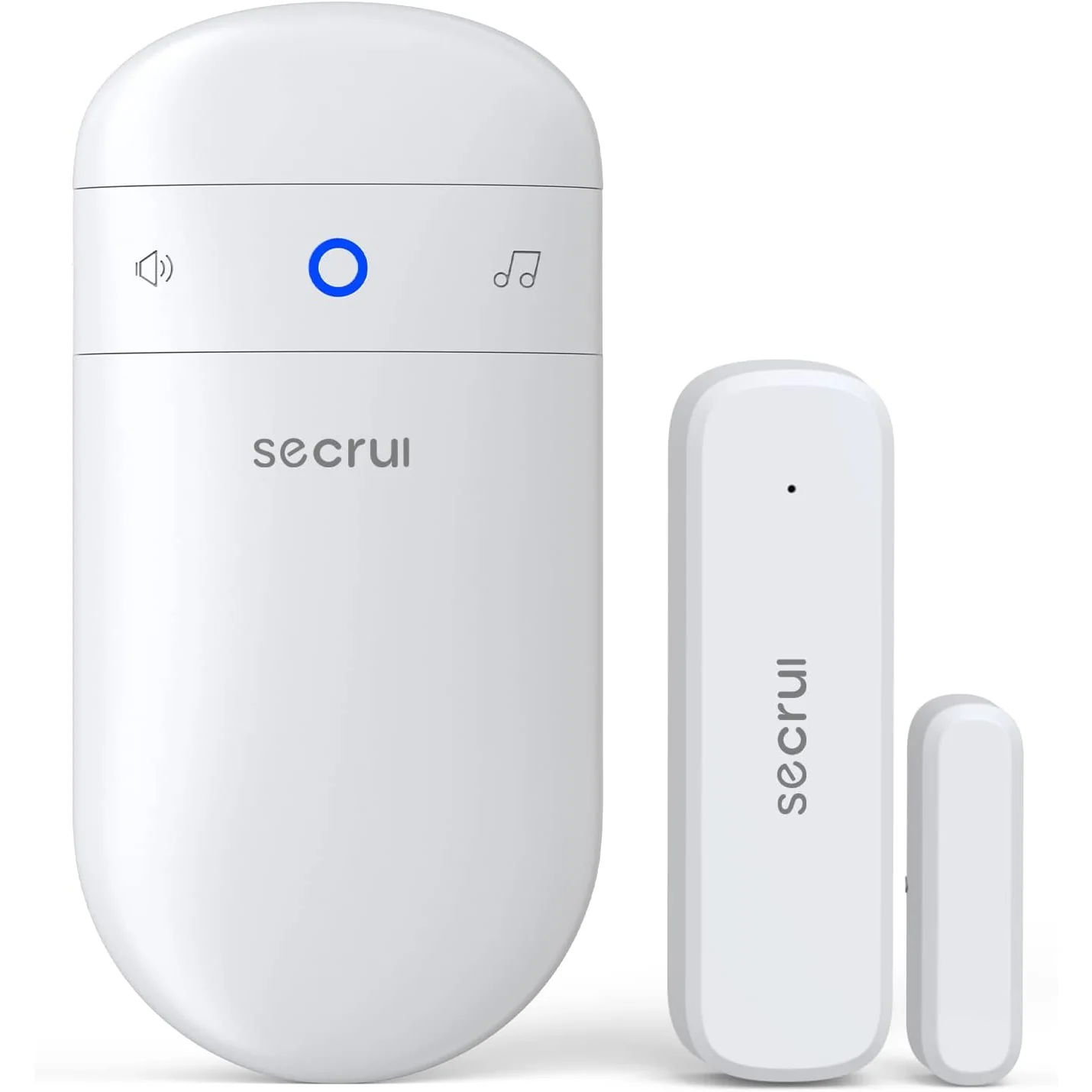
SECRUI Capsule Door Open Chime
A magnetic sensor on the door and a chime in the outlet: it rings the moment the door opens.
from $20.99
Ring It Up on Amazon -
Sensor only
SECRUI D017 Add-On Door Sensor
A spare door sensor for the back door, the gate or the stock room.
$13.99
Ring It Up on Amazon
If a press does not ring
- Move the receiver one room closer to the door and try again.
- Take the receiver off a power strip crowded with chargers, and away from a Wi-Fi router.
- Change the cell in the button or the sensor.
How long does it take to install a SECRUI doorbell?
About a minute for the M520: plug in the chime, stick the button, press it once.
Why does my doorbell not ring from the gate?
The gate is past what the walls in between allow. The 1,000-foot figure is for open air, so move the M520 receiver closer to the door or add a second one.
Complete kitM520 + F55
SECRUI M520 Doorbell Kit with 2 or 3 Receivers
6 kits · black or white
- 1,000 ft open air
- 58 melodies
4.7 out of 5 (6,237 ratings)
from $22.99
Receiver onlyM520
SECRUI M520 Add-On Receiver
One receiver, no kit
- Plug-in receiver
4.3 out of 5 (93 ratings)
$11.99
Complete kitPIR sensor
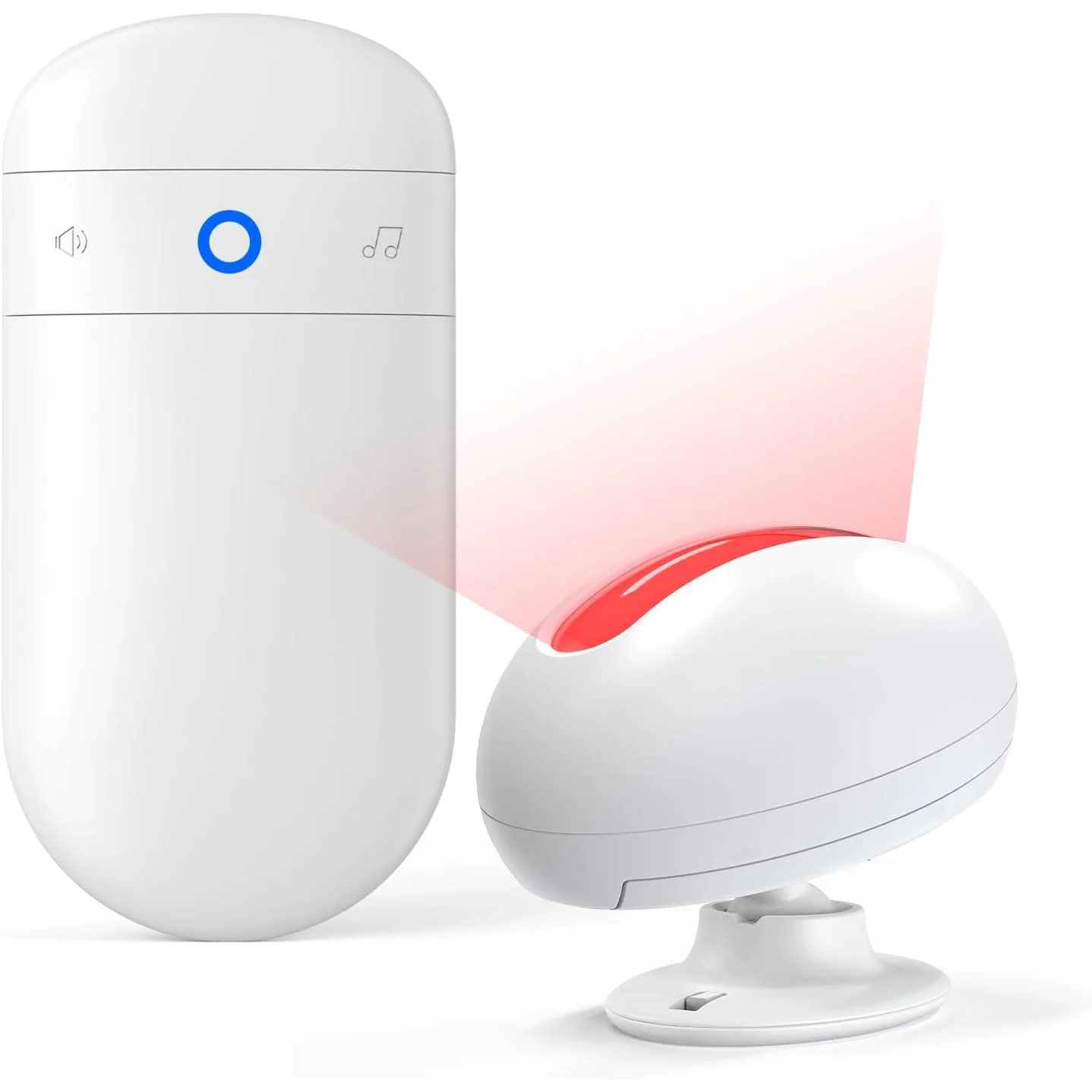
SECRUI Motion Sensor Chime
4 kits · white
- 500 ft open air
- 32 melodies
4.5 out of 5 (288 ratings)
from $19.99
Complete kitFlat Panel
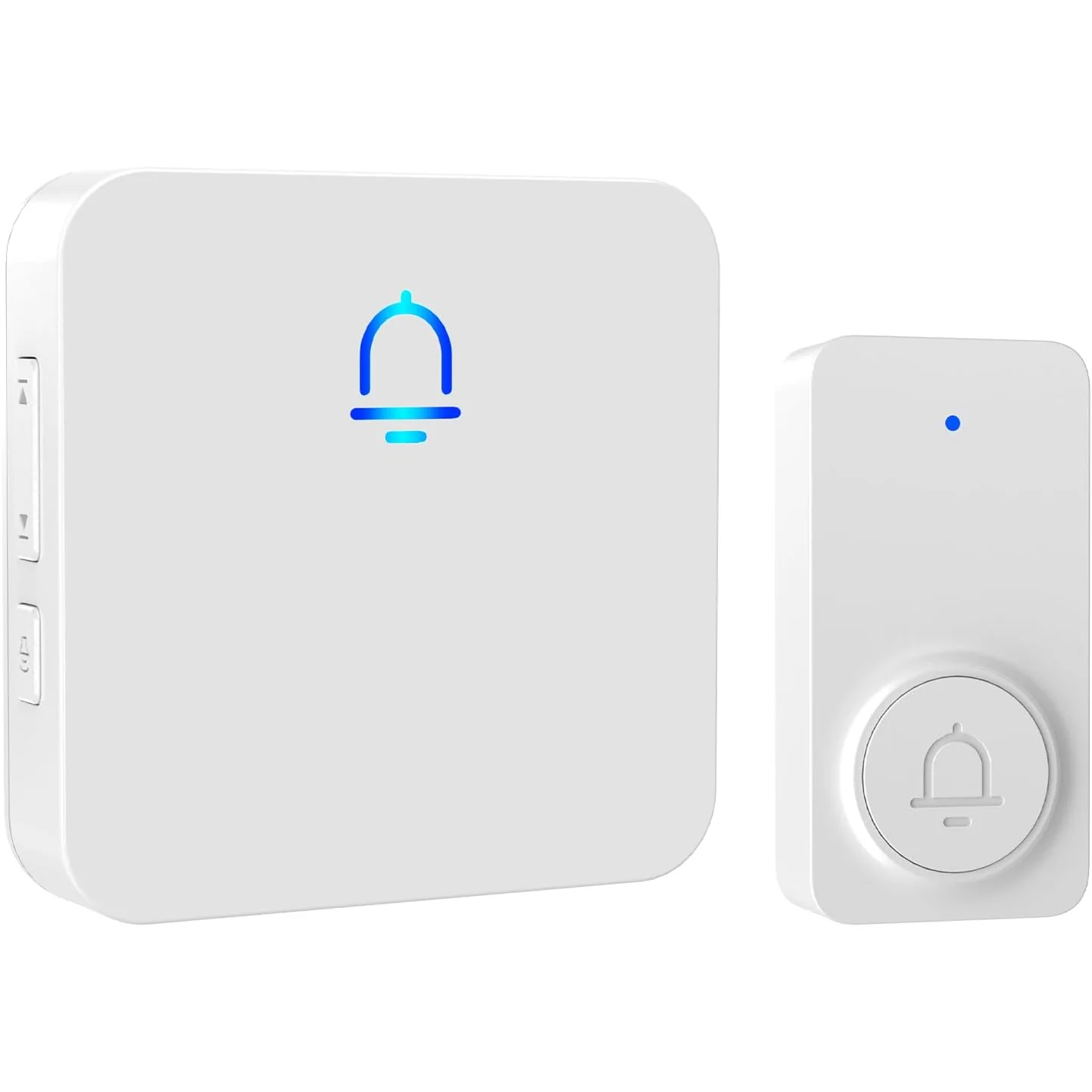
SECRUI Flat Panel Wireless Doorbell
4 kits · white or black
- 1,000 ft open air
- 36 melodies
4.7 out of 5 (482 ratings)
from $16.99